
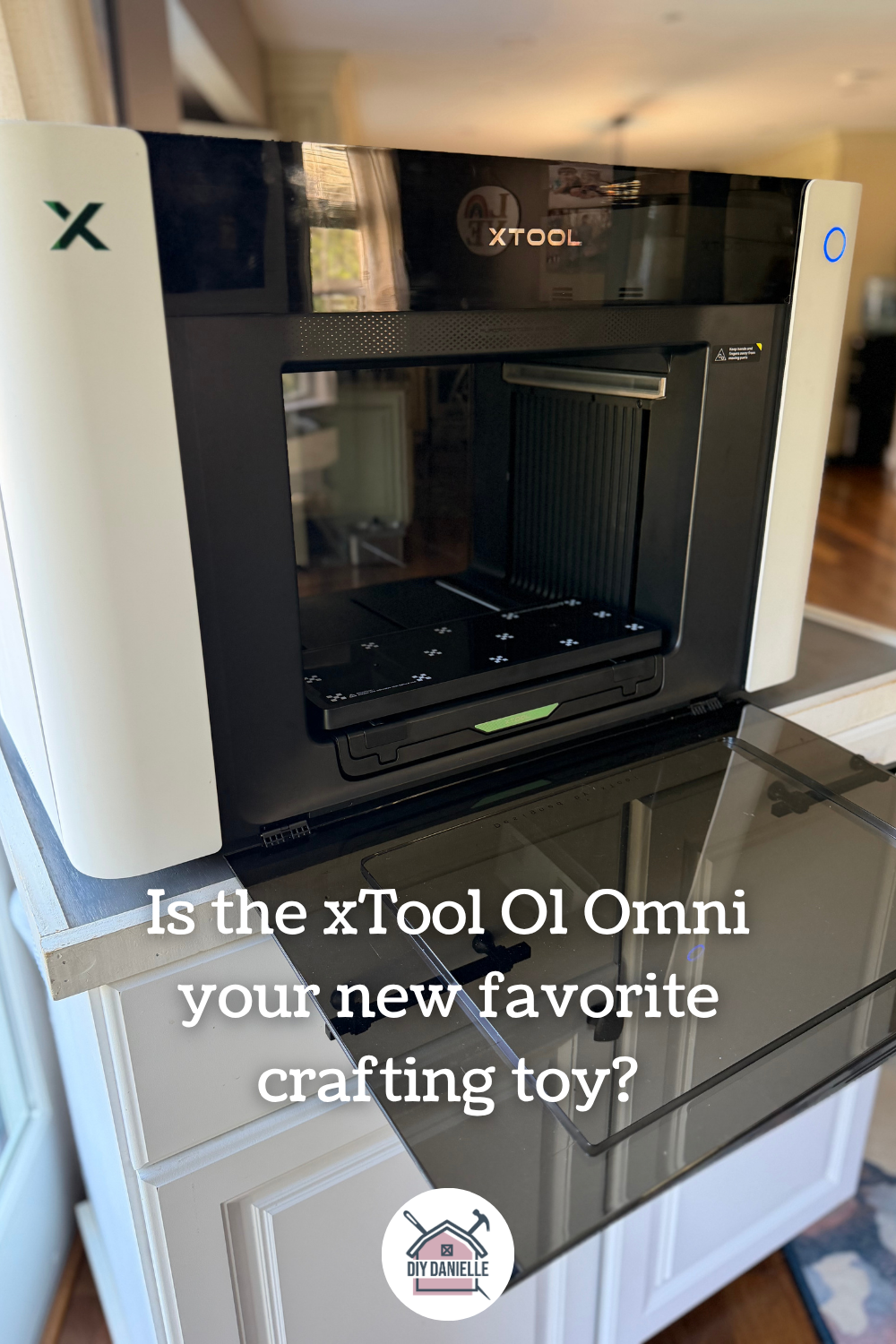
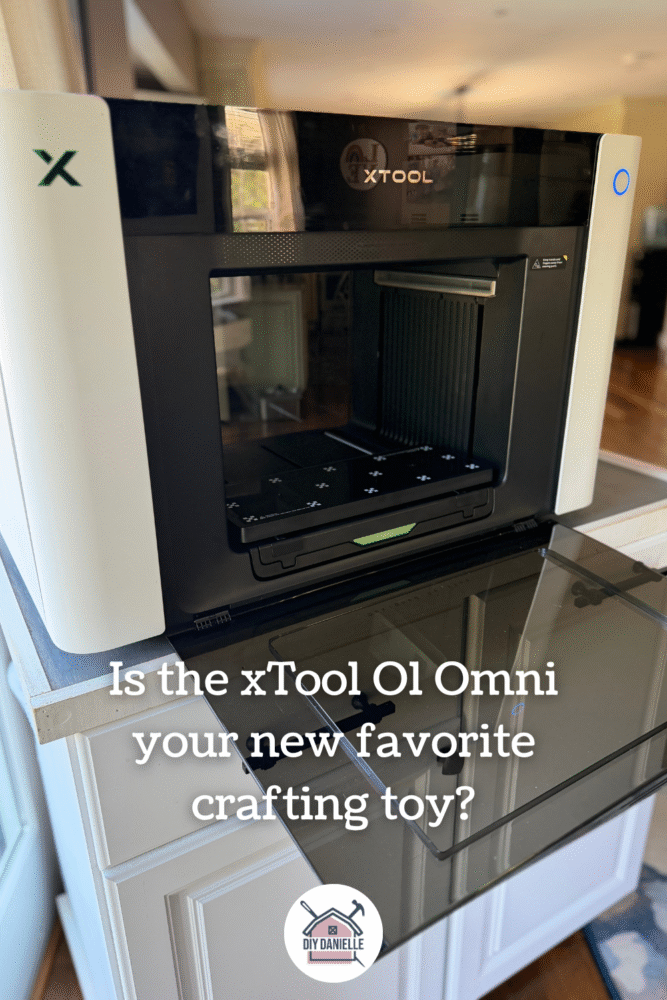
A review of the xTool O1 Omni UV Printer for the casual crafter who wants to quickly and easily personalize items.
When xTool contacted me about reviewing their new UV printer, I didn’t even know UV printers were a thing. I’ve used the xTool M1 laser engraver, however, and I liked both the functionality and the xTool Studio software, so I was eager to try this.
This is going to be a review for the “casual crafter.” Beyond making crafts and writing blog posts about them, I don’t sell products. I like to use products that I make to support my other business, but I am certainly not spitting out the number of products that someone might if they use the machine professionally. I cannot attest to how they might perform if I was selling 4,000 products month.
I love messing around with graphic design and being able to make my own products though and this machine does what I want. I love that.
Many thanks to xTool for providing the machine and supplies for this review!
This post may contain affiliate links which may earn me commissions should you click through them and take certain actions. As an affiliate for Amazon, Cricut, xTool, Home Depot, and other sites, I earn from qualifying purchases. Please DIY carefully. View my full legal disclosures here.
The majority of my content is generated by me, as are 99% of the photos and videos, but I utilize technology for titles, descriptions, video editing out all of my ums, and occasionally for text overlay on images.
Please read the whole post so you don’t miss any important information!
An Overview of the xTool UV Printer
What is a UV Printer? It’s just a really sophisticated printer. It prints in better quality than your home printer and it can print on different objects, depending on which machine you’re using.
With the increased quality and the freedom to print on things other than just paper, you will also find that it’s slower to setup and print than a document on a typical computer printer. This is the trade off.. and it’s WORTH IT.
It gives you so many amazing options for customization. It’s FUN. And… it kind of seems like it works more reliably than my home printer, despite being a more complicated machine. It definitely has fewer issues than my 3D printer.
Unlike the Cricut or Silhouette machines, this is relatively hands off. The machine does most of the work. Your job is the initial design and layout on the product you’re customizing.
There’s no weeding vinyl. There’s no looking for the dot on the i that you lost. The product just gets spit out of the machine all pretty and finished.
The Products
Products:
- xTool O1 Omni Printer: The World’s First 4-in-1 Omni Printer, Dual UV Rotary Bundle: https://xtool.pxf.io/yZ5NYv
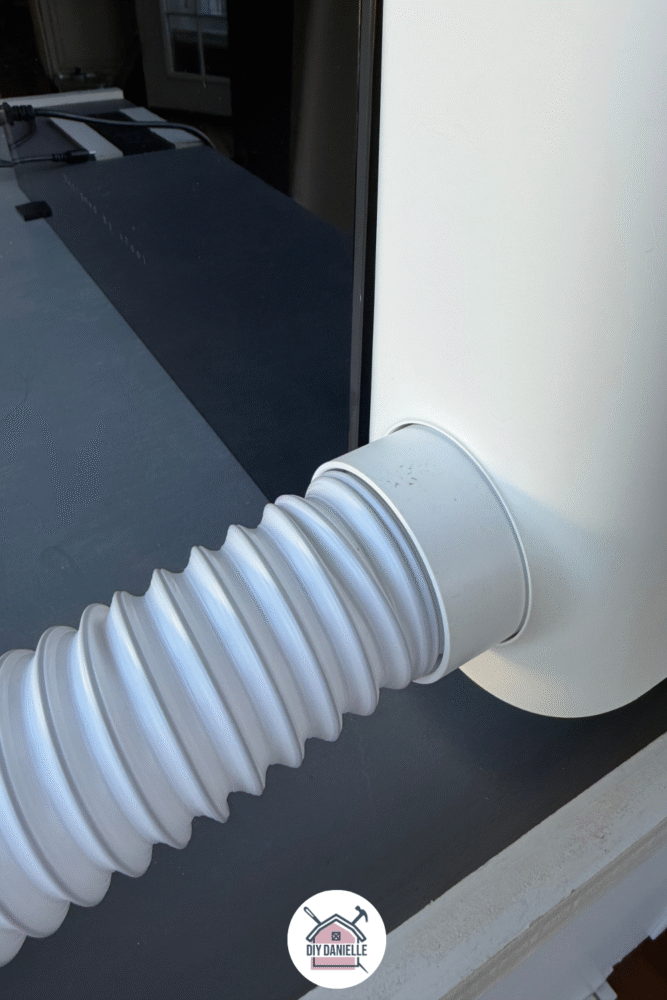
- You’ll need to either vent the machine out a window or you should pick up an air purifier that can handle this such as the xTool SafetyPro™ AP2/ AP2 Max Air Purifier with SuperCyclone: https://xtool.pxf.io/MK1e73
I received the Dual UV Rotary Bundle. I vented mine out the door in my dining room, but I really need to pick up the air purifier at some point.
I like that it comes with the tubing to vent it out the window, however.
Which Omni to Buy?
There are 3 versions of the O1 Omni.
The Single UV edition is the entry-level machine that allows you to print on rigid materials.
The Dual Head O1 is an upgraded version of the Single UV: it allows you to do fluorescent print and to print on flexible materials such as leather or TPU. You cannot do apparel printing or DTF film transfers, but you can print on rigid materials.
The UV + DT Fabric edition was tempting as it can print on rigid materials, do DTG apparel printing onto cotton, and do DTF film transfers onto any fabric, but it can’t print on leather and TPU.
I anticipate that the UV + DT Fabric machine would be fun to play with, but I felt the Dual Head machine met my current needs better.
You should choose the machine that will print what you want it to print. If apparel is a necessity for you, get the UV + DT Fabric Edition.
Setup, Maintenance, and Reliability
The machine was easy to setup. Like a typical household desktop printer, there’s ink that you need to install in the machine. There will be maintenance and ink costs to consider, as well as electricity use. You need to keep it plugged in and turned on so that it can do routine head cleanings to keep it from clogging.
Sometimes I use this machine a lot in the course of a week, and then I might not use it again for a few weeks. If I let it sit too long, occasionally my initial print doesn’t come out well. In those situations, I just run the app to clean the head and it will function well afterwards. This seems like a reasonable, expected, and manageable problem. I will likely need to put it in vacation mode, however, given my infrequent use.
It has not… knock on wood… required me to get out tools and fix it yet like my 3D printer does. I am relieved.
xTool Studio Software
xTool Studio is pretty easy to use. I usually design in Canva, then import the image into the xTool software.
The right side bar is where your real work gets done once the design is made. You can connect your machine at the top, scan the item that you’re planning to print on, and adjust your design onto the scanned image of the item. This shows you EXACTLY where that print will go… assuming you don’t bump, nudge, or move it prior to the print starting.
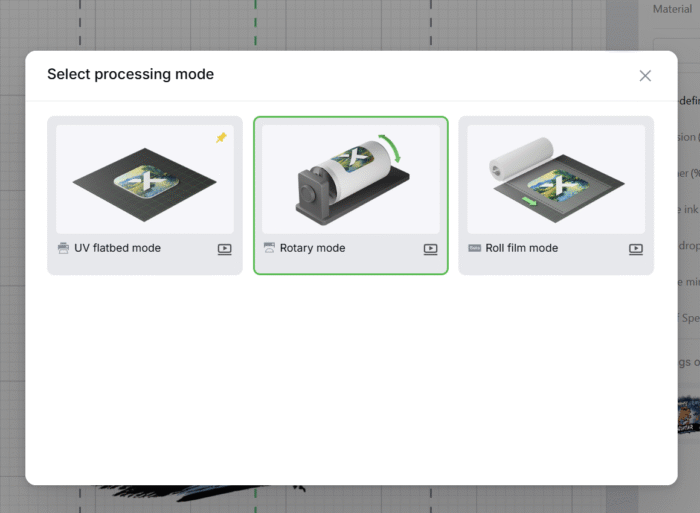
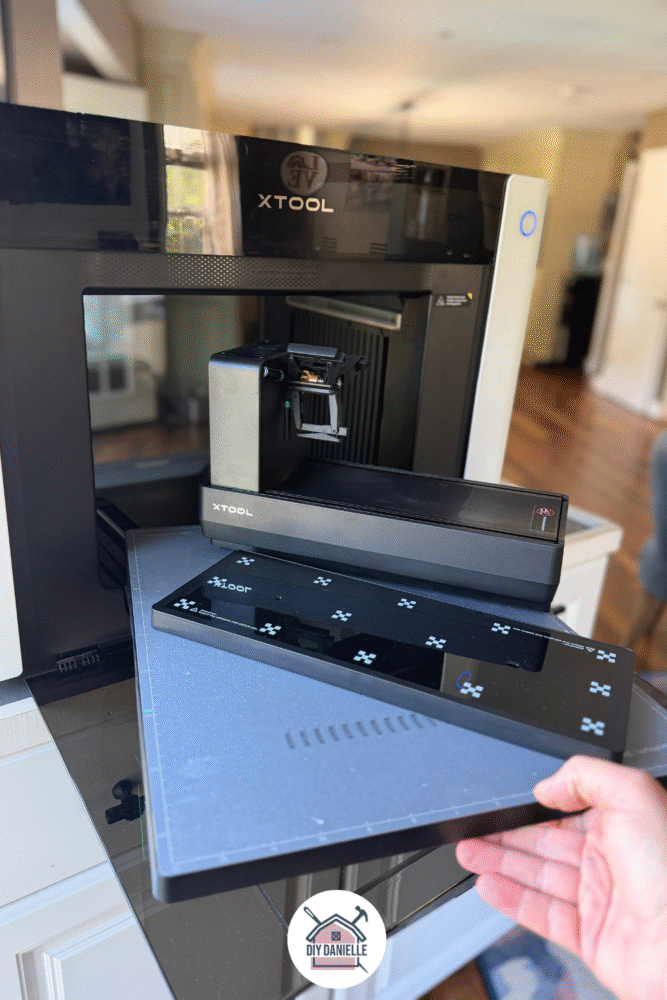
You want to start by choosing your processing mode. I have two flatbeds: a small one and a large one. The small one is my favorite because it can be used with the machine closed.
You need to open to front and back doors for the larger flatbed plate and the rotary plate.
The rotary plate holds an object such as a cup so that it can print on the exterior and rotate it during the print. This is really a great feature.
I took a photo of the plates together so you can see the difference.
You want to choose your ink mode. Generally I use white + color, but if you’re printing on a white item, you can choose color only.
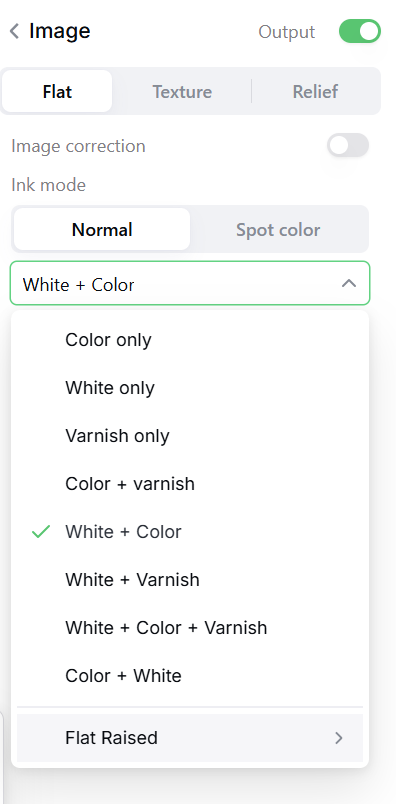
The high drop printing option is for items with a height difference, such as a cell phone case.
Overall… there are a few choices, but it’s essentially print and go.
I’ve made quite a few items with it now and they’ve all come out so beautifully. I like the design piece and the quick turnaround to a useful, fun product… so this machine really works well for me.
If you want the challenge of handmaking an item from scratch, this might not be for you (I’m looking at you folks in the wool world who shear the sheep, wash the wool, card the wool, spin the wool, and knit the sweater).
If you want the challenge of DESIGNING an item and having a machine bring it to life, then this is FANTASTIC.
Make sure to pick up the xTool O1 Omni Printer using my affiliate link below: https://xtool.pxf.io/yZ5NYv
Projects with the O1 Omni Printer:
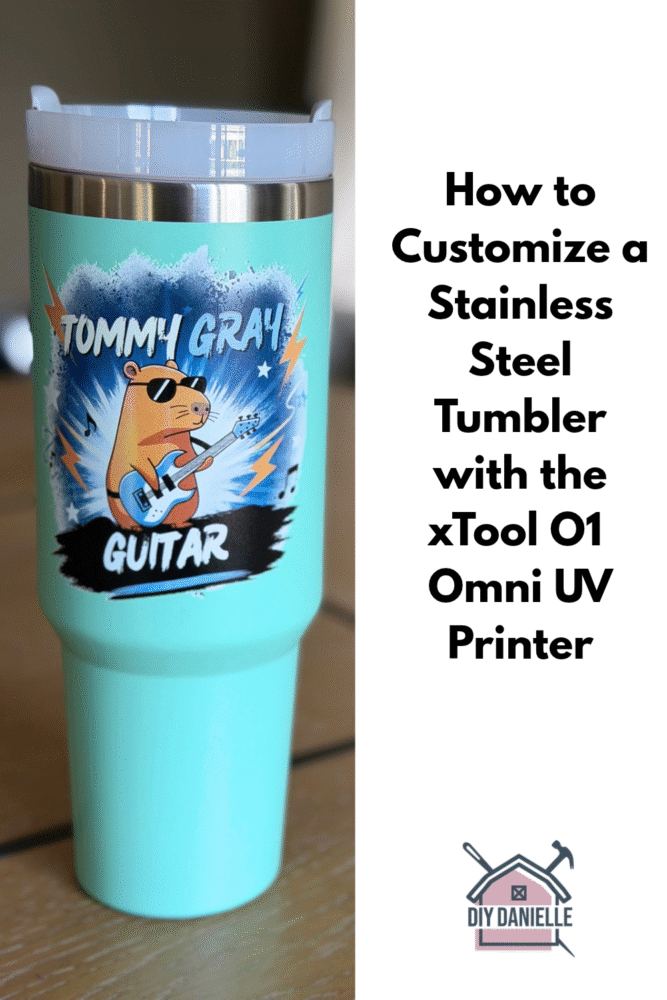
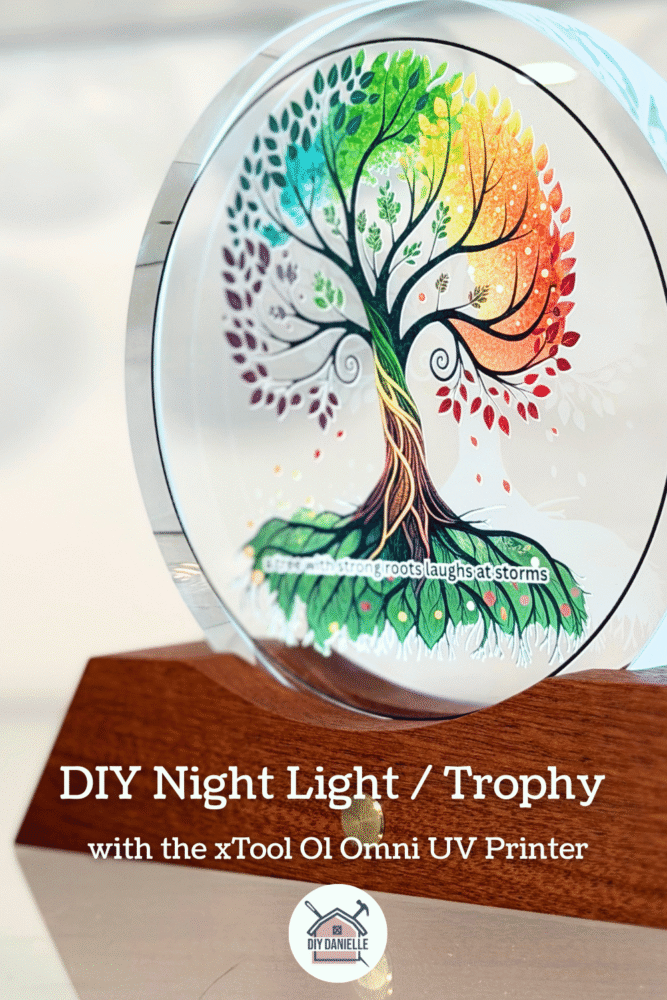
More projects coming soon!
Please share and pin this post! You can also post your project and tag the DIYDanielle team on Instagram @doityourselfdanielle!
Thanks for the honest ‘casual crafter’ angle, it’s more useful than reviews that assume 4,000 products a month. Since you already like xTool Studio, one tip for UV printing on odd items: a small fixture or jig that holds each item at the same height and position makes results repeatable. I’ve been making those by describing the fixture in plain language to Lovcad (lovcad.com), which generates a parametric model with exact mm dimensions you can export as DXF for the laser or STL for a 3D printer. Did you notice any difference in print quality at the lowest focus distance?