How to make UV-printed Garden Hose Reminder Bracelets using the xTool Omni O1.
These bracelets have been on my to do list for a while, and I decided to try using my UV printer to create them. I had some acrylic keychain blanks already, and… meh, why not?
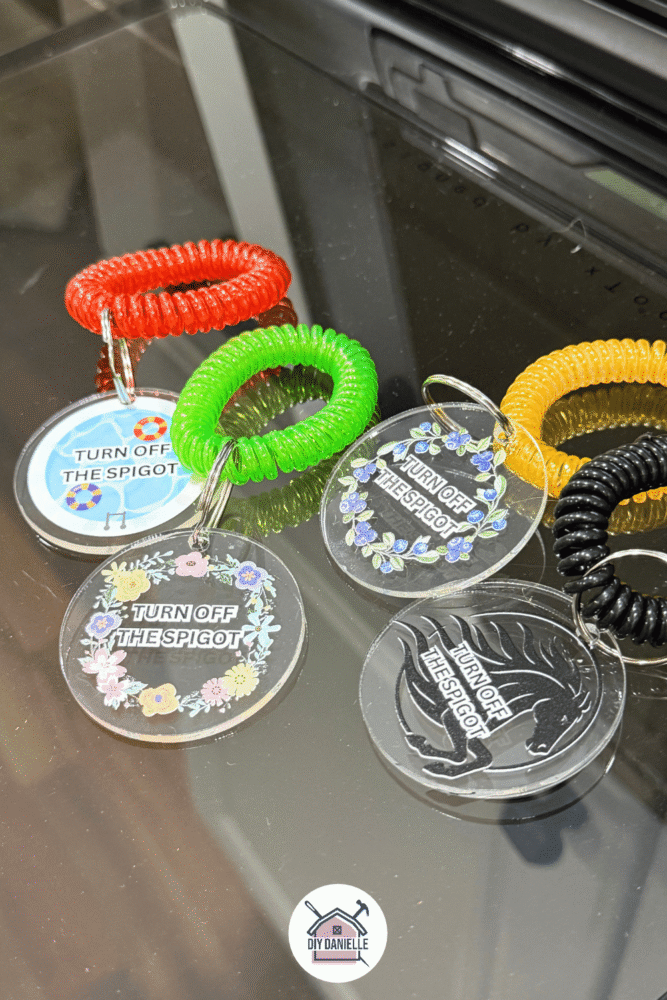
I’m not sure how they’ll stand up over time outdoors, but I’ll likely remove over the winter and store them indoors while spigots are off. That said- they have been outside for a few months with no sign of wear and tear at this point though so I’m happy. I think I could potentially scrape the designs off if I tried, but if you need that level of durability, try engraving with the M1. This is engraving I did of the same acrylic blank with my M1.
These are prettier and easier to see with UV printing vs. engraving, but both are nice.
Honestly, this video and tutorial is silly short because the machine does 99% of the work, making these a fast, easy, and practical DIY gift for any gardener (or yourself!). I’ll share the link to the project at the end so you can use my designs if you’d like.
This post may contain affiliate links which may earn me commissions should you click through them and take certain actions. As an affiliate for Amazon, Cricut, xTool, Home Depot, and other sites, I earn from qualifying purchases. Please DIY carefully. View my full legal disclosures here.
The majority of my content is generated by me, as are 99% of the photos and videos, but I utilize technology for titles, descriptions, video editing out all of my ums, and occasionally for text overlay on images.
Please read the whole post so you don’t miss any important information!
Customizing a BLANK with the Omni O1 UV Printer
New to UV printing? Learn about the Omni O1 printer here: https://diydanielle.com/review-xtool-o1-omni-uv-printer/
Project Supplies
- xTool O1 Omni Printer: The World’s First 4-in-1 Omni Printer, Dual UV Rotary Bundle: https://xtool.pxf.io/yZ5NYv
- You’ll need to either vent the machine out a window or you should pick up an air purifier that can handle this such as the xTool SafetyPro™ AP2/ AP2 Max Air Purifier with SuperCyclone: https://xtool.pxf.io/MK1e73
- 12 pcs Wristband Keychains: https://link.amazon/B0fxrcEmk
- Acrylic Keychain Blanks: https://amzn.to/3fvbetl
Step by Step Instructions
Step 1: Create your design. I used Canva, added the designs from their graphics gallery, and the text. I exported the image with a transparent background.
🔗 Grab my exact design file in xTool Creative Space: https://www.atomm.com/project/323204-diy-hose-turn-off-bracelet?utm_medium=referral&utm_campaign=sharetoearn2&utm_id=687147&utm_source=copylink
Step 2: IMPORT the image into the xTool Studio software (left side bar).
Step 3: Set your small sticky mat and plate in the O1.
Peel the protective film off the top of the blank acrylic and place it clear side up on the sticky mat.
I kept the protective film on the back because I figured it would make the blank easier to see when I scanned it on the O1/computer screen/software.
Step 4: On the right tool bar, click scan. This will scan the blank with your machine. It’ll show the blank and you can center and resize your design to fit the blank.
Step 5: Choose White + Color Flat. This prints a white layer under the color so it pops from the original color… in this case, it’s clear so the white is a good idea. The color alone mighhhhht work, but… better safe than sorry.
Your machine should be giving you an image of what the design will look like. You can move your design around, making it smaller/larger, etc. as needed.
Step 6: Click process. Let the machine work. When it’s done, remove the tags, remove the film from the back, and add your keychain. Hang off your spigot!
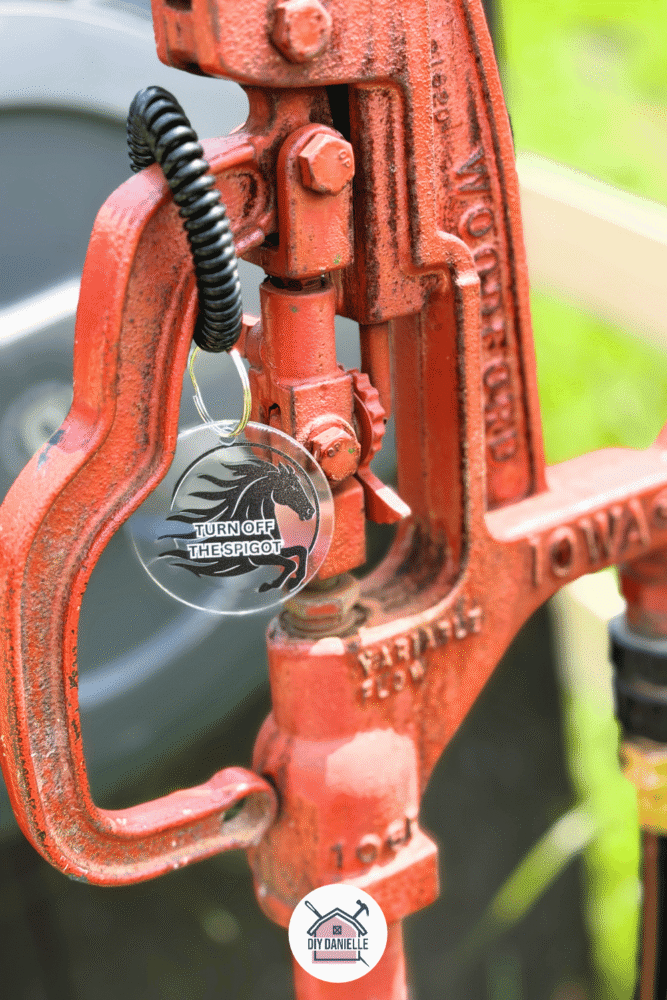
How to Use the Bracelets
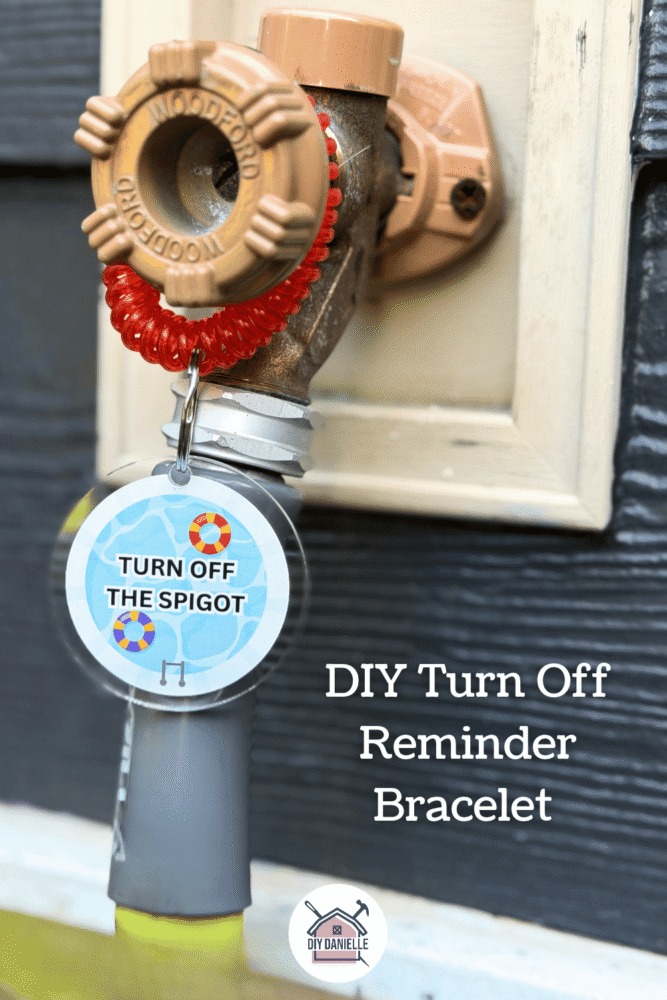
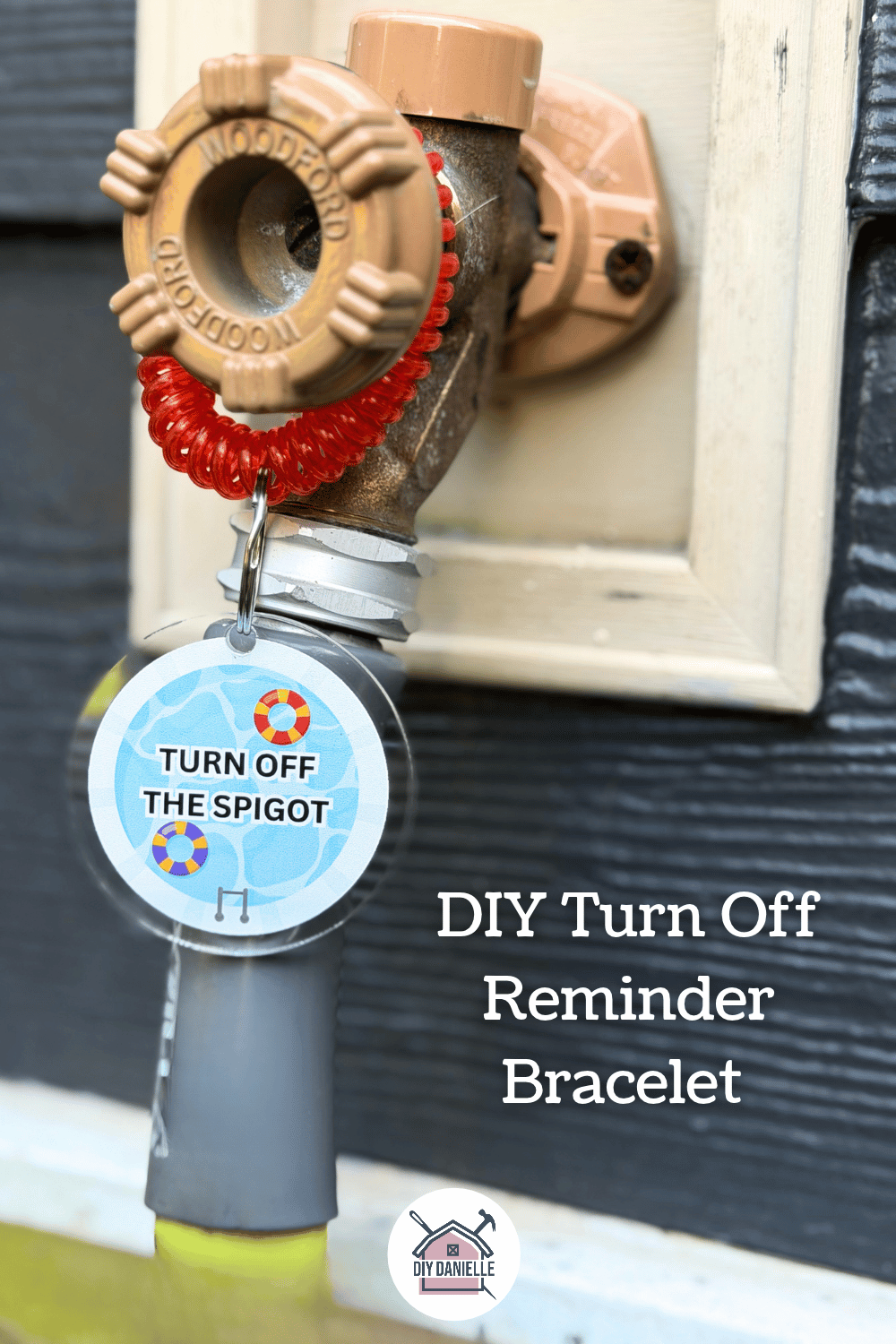
You just hang the scrunchie bracelet right on your outdoor spigot. When you turn the water on, slip the bracelet onto your wrist—that way, you won’t forget to shut the hose off when you walk away!
Video Tutorial
(P.S. Apologies for the AI voiceover at the end of the video—I completely lost my voice while editing this, so technology had to step in and finish the job! My voice has been touch and go for the past couple of months).
Please share and pin this post! You can also post your project and tag the DIYDanielle team on Instagram @doityourselfdanielle!